The Premium UI Checklist: 27 Details That Make a Site Feel Expensive
The Premium UI Checklist: 27 Details That Make a Site Feel Expensive

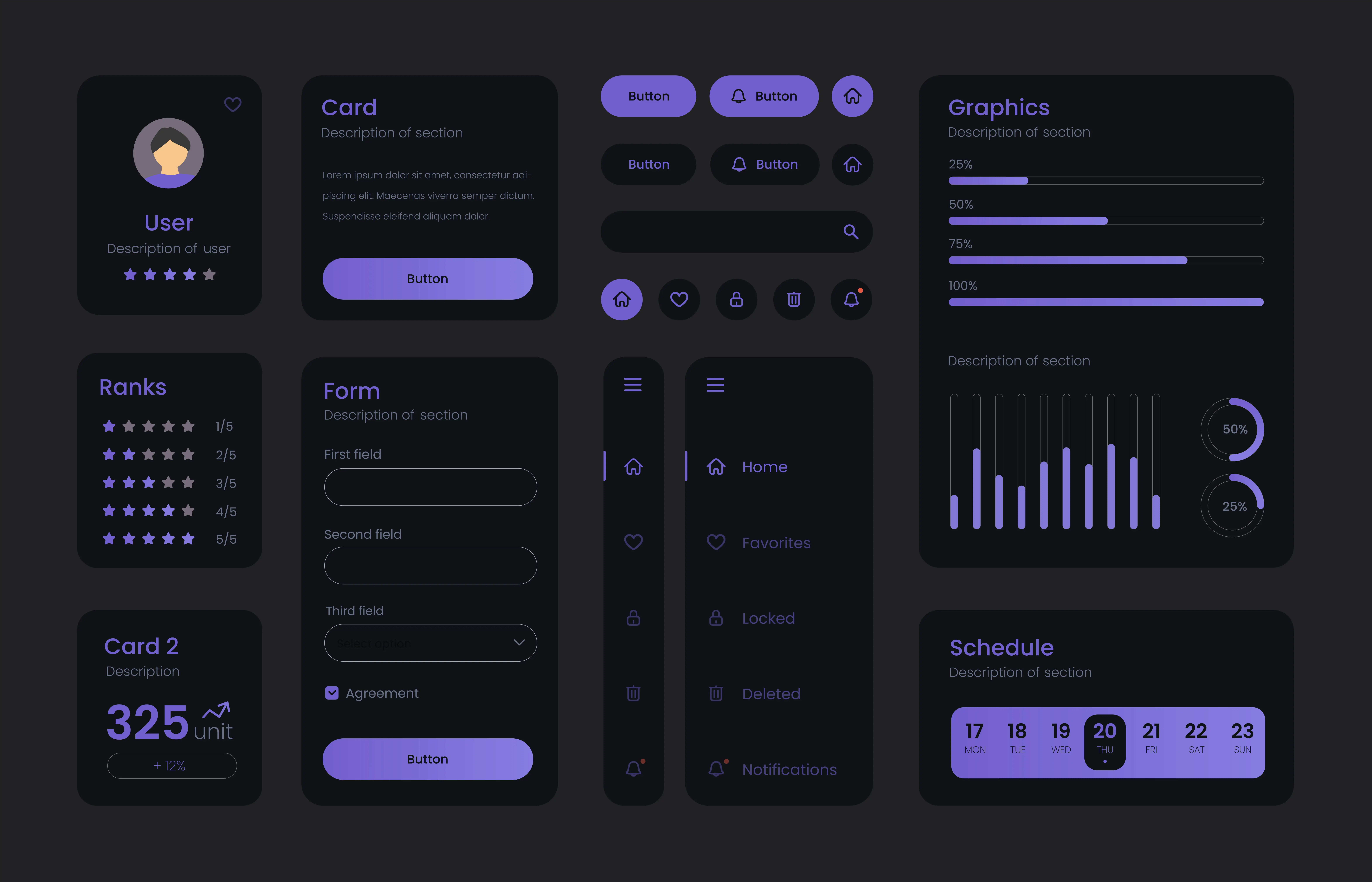
Your design can be clean and still feel cheap. These micro-details are what separates premium from basic.
Your design can be clean and still feel cheap. These micro-details are what separates premium from basic.
Your design can be clean and still feel cheap. These micro-details are what separates premium from basic.
In this post:
In this post:
In this post:
Section
Section
Section
Premium design is rarely about doing more.
It’s usually about doing less, with more precision. Premium UI feels intentional. Nothing is accidental, nothing fights for attention, and every interaction feels smooth.
Here’s a checklist we use at Marplix when we audit a site that “looks fine” but doesn’t feel premium yet.
Typography and hierarchy
Two fonts max. One for headings, one for body.
Headlines have a rhythm. H1, H2, H3 should feel related.
Line length is controlled. 55 to 75 characters is the sweet spot.
Body copy breathes. 1.5 to 1.8 line height usually wins.
Bold is used with restraint. Too much bold makes everything loud.
Links look deliberate. Clear hover states, no random underlines.
Microcopy matches your brand voice. Buttons, errors, forms, all aligned.
Spacing and layout
A consistent spacing system. Use 8px increments or similar.
More whitespace than you think. Premium is calm.
. Sections have clear boundaries. Do not blend everything together.
. Alignment is strict. If it’s off by 2px, it feels off.
. Grids are honored. No random widths that break the structure.
. Mobile spacing is not an afterthought. It should feel designed, not squeezed.
Color and contrast
. One accent color. Two max, unless you have a real system.
. Contrast is intentional. Text should never feel foggy.
. Muted colors for secondary text. Let hierarchy do the work.
. Shadows are subtle. Heavy shadows scream template.
Gradients are controlled. If you use them, use them consistently.
Components and consistency
Buttons share one style system. Same radius, padding, hover.
Cards have purpose. Don’t card everything.
Icons share a family. Same stroke weight, same vibe.
Inputs feel premium. Focus states, spacing, labels, clarity.
Empty states look designed. Even “no results” should feel thoughtful.
Motion and interaction
Motion is quick and soft. 150 to 250ms for most UI.
Hover states exist everywhere that’s clickable. Consistency builds trust.
Scroll effects are used sparingly. Too much feels gimmicky.
Transitions are coherent. Same easing curve across the site.
A 10-minute premium audit
Open your homepage and check:
Does the hero have one clear action?
Is the typography system consistent?
Are sections spaced evenly?
Do buttons look like part of a system?
Does mobile feel calm and intentional?
Does the site load fast?
Premium is a feeling. And that feeling is built from hundreds of tiny decisions that add up.
Premium design is rarely about doing more.
It’s usually about doing less, with more precision. Premium UI feels intentional. Nothing is accidental, nothing fights for attention, and every interaction feels smooth.
Here’s a checklist we use at Marplix when we audit a site that “looks fine” but doesn’t feel premium yet.
Typography and hierarchy
Two fonts max. One for headings, one for body.
Headlines have a rhythm. H1, H2, H3 should feel related.
Line length is controlled. 55 to 75 characters is the sweet spot.
Body copy breathes. 1.5 to 1.8 line height usually wins.
Bold is used with restraint. Too much bold makes everything loud.
Links look deliberate. Clear hover states, no random underlines.
Microcopy matches your brand voice. Buttons, errors, forms, all aligned.
Spacing and layout
A consistent spacing system. Use 8px increments or similar.
More whitespace than you think. Premium is calm.
. Sections have clear boundaries. Do not blend everything together.
. Alignment is strict. If it’s off by 2px, it feels off.
. Grids are honored. No random widths that break the structure.
. Mobile spacing is not an afterthought. It should feel designed, not squeezed.
Color and contrast
. One accent color. Two max, unless you have a real system.
. Contrast is intentional. Text should never feel foggy.
. Muted colors for secondary text. Let hierarchy do the work.
. Shadows are subtle. Heavy shadows scream template.
Gradients are controlled. If you use them, use them consistently.
Components and consistency
Buttons share one style system. Same radius, padding, hover.
Cards have purpose. Don’t card everything.
Icons share a family. Same stroke weight, same vibe.
Inputs feel premium. Focus states, spacing, labels, clarity.
Empty states look designed. Even “no results” should feel thoughtful.
Motion and interaction
Motion is quick and soft. 150 to 250ms for most UI.
Hover states exist everywhere that’s clickable. Consistency builds trust.
Scroll effects are used sparingly. Too much feels gimmicky.
Transitions are coherent. Same easing curve across the site.
A 10-minute premium audit
Open your homepage and check:
Does the hero have one clear action?
Is the typography system consistent?
Are sections spaced evenly?
Do buttons look like part of a system?
Does mobile feel calm and intentional?
Does the site load fast?
Premium is a feeling. And that feeling is built from hundreds of tiny decisions that add up.
Premium design is rarely about doing more.
It’s usually about doing less, with more precision. Premium UI feels intentional. Nothing is accidental, nothing fights for attention, and every interaction feels smooth.
Here’s a checklist we use at Marplix when we audit a site that “looks fine” but doesn’t feel premium yet.
Typography and hierarchy
Two fonts max. One for headings, one for body.
Headlines have a rhythm. H1, H2, H3 should feel related.
Line length is controlled. 55 to 75 characters is the sweet spot.
Body copy breathes. 1.5 to 1.8 line height usually wins.
Bold is used with restraint. Too much bold makes everything loud.
Links look deliberate. Clear hover states, no random underlines.
Microcopy matches your brand voice. Buttons, errors, forms, all aligned.
Spacing and layout
A consistent spacing system. Use 8px increments or similar.
More whitespace than you think. Premium is calm.
. Sections have clear boundaries. Do not blend everything together.
. Alignment is strict. If it’s off by 2px, it feels off.
. Grids are honored. No random widths that break the structure.
. Mobile spacing is not an afterthought. It should feel designed, not squeezed.
Color and contrast
. One accent color. Two max, unless you have a real system.
. Contrast is intentional. Text should never feel foggy.
. Muted colors for secondary text. Let hierarchy do the work.
. Shadows are subtle. Heavy shadows scream template.
Gradients are controlled. If you use them, use them consistently.
Components and consistency
Buttons share one style system. Same radius, padding, hover.
Cards have purpose. Don’t card everything.
Icons share a family. Same stroke weight, same vibe.
Inputs feel premium. Focus states, spacing, labels, clarity.
Empty states look designed. Even “no results” should feel thoughtful.
Motion and interaction
Motion is quick and soft. 150 to 250ms for most UI.
Hover states exist everywhere that’s clickable. Consistency builds trust.
Scroll effects are used sparingly. Too much feels gimmicky.
Transitions are coherent. Same easing curve across the site.
A 10-minute premium audit
Open your homepage and check:
Does the hero have one clear action?
Is the typography system consistent?
Are sections spaced evenly?
Do buttons look like part of a system?
Does mobile feel calm and intentional?
Does the site load fast?
Premium is a feeling. And that feeling is built from hundreds of tiny decisions that add up.
The truly Marplix design studio.
Say goodbye to expensive freelancers, and hello to marplix, lightning fast design, web and digital marketing.